Multi-Device: How to pair a Device(s) to a specific Location in the Flo by Moen App
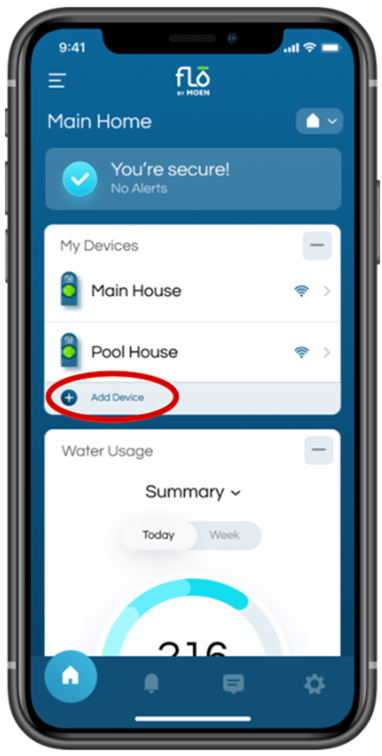
| You are now able to add multiple devices to a location. To do so, simply go to a Location, and tap "Add Device" located in the "My Devices" section. Then, select the device you are pairing to that location, and follow the pairing instructions. |
|
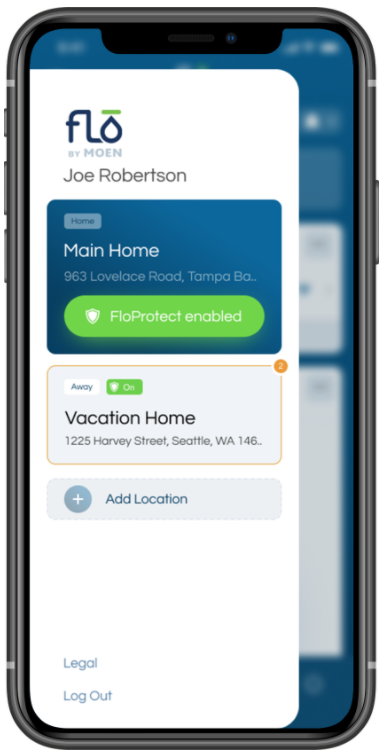
Step 1
Select or Add a location |
Step 2
Select "Add Device" |
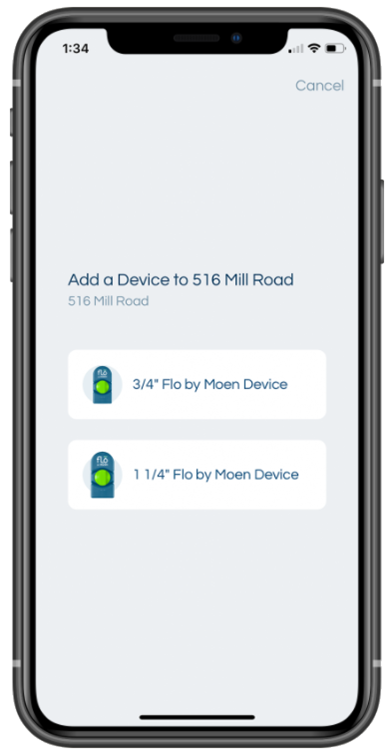
Step 3
Select the type of device to be added to the location |
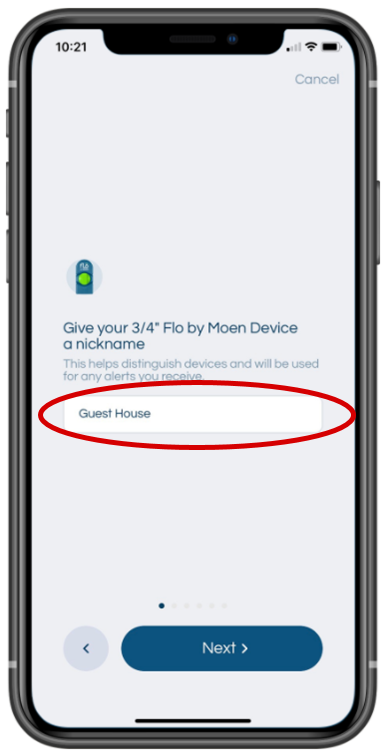
Step 4
Add a "nickname" for the device |
Step 5
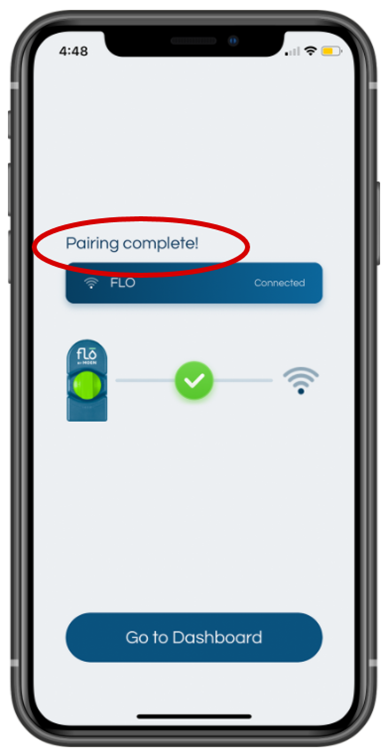
Complete the Pairing Instructions |